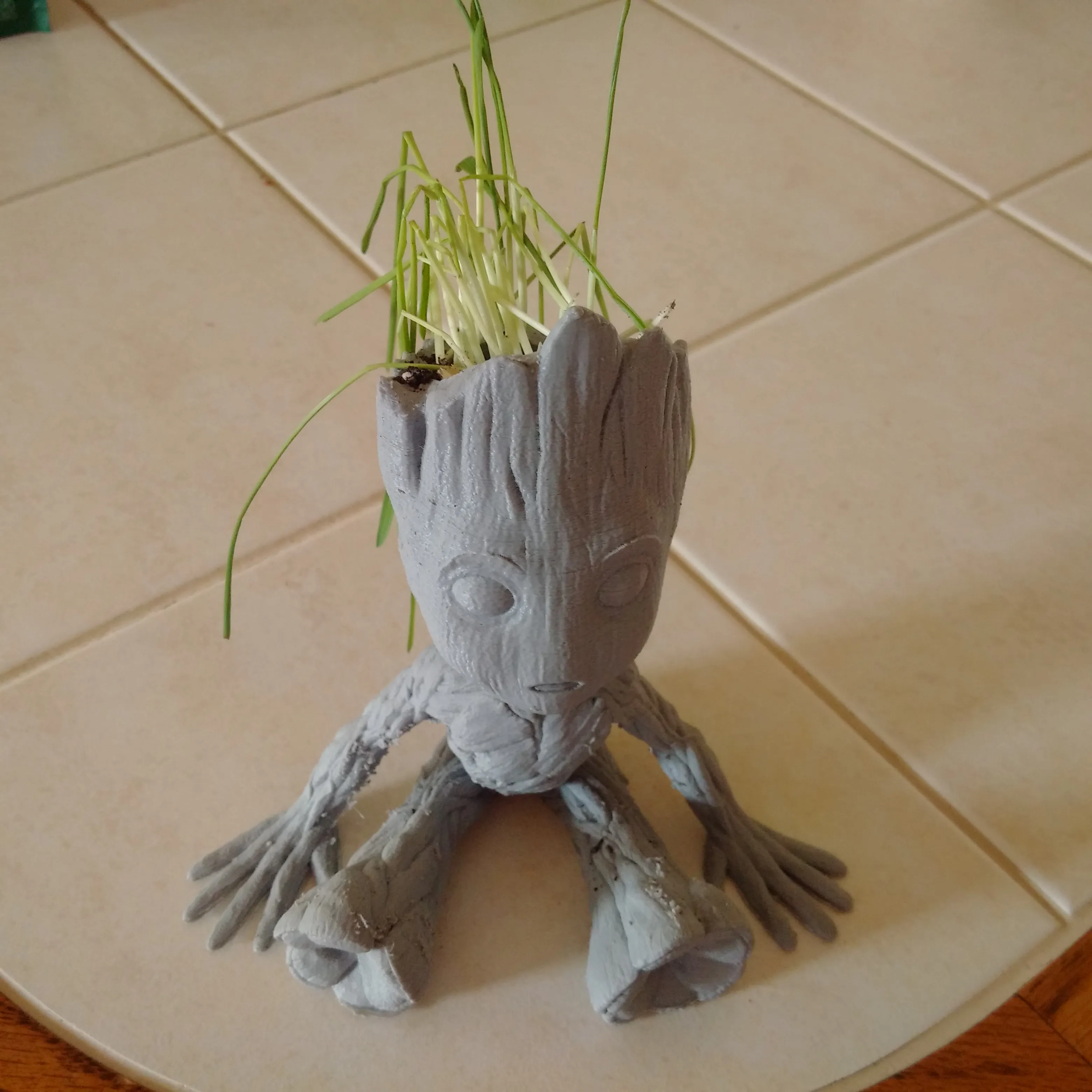
What is TPU and Why Print on Tevo Tarantula
Thermoplastic Polyurethane (TPU) is a flexible and durable filament, making it a popular choice for 3D printing applications. Unlike rigid filaments like PLA or ABS, TPU offers elasticity and resilience, enabling the creation of parts that can bend, stretch, and withstand impact. Printing TPU on a Tevo Tarantula requires specific adjustments to ensure successful prints. The Tevo Tarantula is a popular and affordable 3D printer, and with the right modifications and settings, it can effectively print with TPU, expanding the range of printable materials and project possibilities. Understanding TPU’s properties is key to successful printing.
Understanding TPU Filament Properties
TPU’s unique characteristics stem from its chemical composition. It’s a thermoplastic elastomer, meaning it behaves like both a plastic and a rubber. This combination gives it flexibility, abrasion resistance, and excellent layer adhesion. However, these very properties can also present challenges when 3D printing, so understanding them is crucial.
TPU Hardness and Flexibility

TPU filaments come in various shore hardness ratings, a measure of their flexibility. Softer TPUs (e.g., 75A) are very flexible, almost rubber-like, while harder TPUs (e.g., 95A) are less flexible and easier to print. The choice of hardness depends on the desired application; softer TPUs are ideal for items like phone cases and flexible seals, while harder TPUs can be used for gears and other functional parts. Experimenting with different hardness levels is recommended to find the best fit for the user’s projects.
TPU Filament Types and Brands
Several brands offer TPU filaments, each with slight variations in their formulations and properties. Some popular brands include NinjaTek, Overture, and Sainsmart. When selecting a TPU filament, consider the shore hardness, color options, and reviews from other users. It’s also wise to start with a small spool to test the filament before committing to a larger quantity. Different colors can also affect the final result, so consider that before buying a large spool.
Essential Tevo Tarantula Hardware for TPU
To successfully print TPU on a Tevo Tarantula, some hardware modifications and considerations are necessary. The stock Tevo Tarantula is designed primarily for rigid filaments, so printing TPU requires addressing its limitations. The most important areas of concern are the extruder, nozzle, and bed adhesion.
Nozzle Selection and Upgrades

A hardened steel or stainless steel nozzle is highly recommended for TPU printing. TPU is often abrasive and can quickly wear down a brass nozzle. A nozzle size of 0.4mm or larger is generally suitable for TPU, as it can help reduce back pressure and improve print quality. Replacing the stock nozzle with a quality upgrade will improve the longevity of the printer and also the print quality.
Direct Drive vs. Bowden Extruder Setup
The Tevo Tarantula utilizes a Bowden extruder setup, where the extruder motor is mounted on the frame and pushes filament through a long PTFE tube to the hot end. This setup can cause issues with TPU, as the flexible filament can buckle inside the tube. Converting to a direct drive extruder, where the extruder motor is mounted directly above the hot end, significantly improves TPU printing performance. This reduces the distance the filament must travel and minimizes the chances of buckling. Though, it is still possible to print with a Bowden setup, reducing retraction settings will be crucial. This conversion is highly recommended to make printing with TPU easier.
Bed Adhesion Techniques for TPU
Achieving good bed adhesion is vital for successful TPU prints. Clean the print bed thoroughly with isopropyl alcohol before each print. Applying a thin layer of glue stick or using a textured bed surface, like PEI, can help the TPU stick to the bed. It is also important to use the correct bed temperature. Experiment with bed temperatures ranging from 40°C to 60°C. A heated bed is necessary to prevent warping. A brim or raft can also be utilized.
Optimizing Tevo Tarantula Settings for TPU

Once the hardware is set up, fine-tuning the print settings is essential for optimal TPU printing results. The key areas to adjust include temperature, print speed, retraction, layer height, and infill.
Temperature Settings for TPU
The optimal printing temperature for TPU typically ranges from 210°C to 230°C, but it depends on the specific filament and shore hardness. Start with the manufacturer’s recommended temperature and adjust in increments of 5°C to find the sweet spot. Too low a temperature will lead to under-extrusion, while too high a temperature may cause stringing or oozing.
Print Speed and Retraction Settings
Print speed is crucial for TPU printing. Reduce the print speed significantly, typically to 20-40 mm/s, especially for the first layer. Slowing down the print speed helps to reduce back pressure and improve layer adhesion. Retraction settings need careful adjustment, as excessive retraction can cause jams. Start with a retraction distance of 1-2mm and a retraction speed of 25 mm/s. If using a Bowden setup, these settings may need further reduction or even be disabled to prevent jams and improve extrusion consistency. Increasing the retraction can also help with stringing. This is something the user may need to experiment with.
Layer Height and Infill for TPU

A layer height of 0.15mm to 0.2mm is often a good starting point for TPU. Lower layer heights generally result in smoother surfaces, while thicker layers print faster. Infill percentage depends on the desired flexibility and strength of the printed part. Experiment with infill percentages from 20% to 50% or higher. The infill pattern also matters; rectilinear or gyroid patterns often work well for TPU.
Troubleshooting Common TPU Printing Issues
Even with optimized settings, printing TPU can present challenges. Several common issues can arise, requiring troubleshooting and adjustment.
Filament Feeding Problems
TPU is more prone to filament feeding issues than rigid filaments. Ensure the extruder is gripping the filament properly, and the extruder gears are clean. If using a Bowden setup, check for any kinks or obstructions in the PTFE tube. If the extruder clicks or skips, reduce the print speed or increase the nozzle temperature. If the extruder is not gripping the filament, increase the tension or replace it with a more powerful one.
Warping and Poor Bed Adhesion

Warping can occur if the TPU does not adhere well to the bed. Ensure the bed is clean, properly leveled, and heated. Using a brim or raft can help prevent warping by increasing the contact area with the bed. Reduce the print speed for the first layer to improve adhesion. Warping can be minimized by using a heated bed and enclosure.
Stringing and Oozing
Stringing and oozing are common issues with TPU. These issues occur because the filament continues to extrude when the nozzle is moving between areas. To combat stringing, reduce the nozzle temperature slightly and optimize retraction settings. A well-tuned retraction setting is crucial, and you may need to experiment with different retraction distances and speeds to find what works best for your specific filament and printer setup. Slowing the print speed can also help reduce stringing and oozing.
Post-Processing TPU Prints
Once the TPU print is complete, some post-processing may be necessary to remove supports and finish the part.
Removing Supports from TPU Prints

Removing supports from TPU prints can be challenging due to the material’s flexibility. Use support interfaces or support structures that are designed for easy removal. Carefully peel away the supports, using a hobby knife or flush cutters to trim away any stubborn areas. If supports are too difficult to remove, adjust the support settings, such as the support angle or interface layers.
Trimming and Finishing TPU Parts
TPU parts can be trimmed and finished using various tools. Flush cutters are ideal for removing small imperfections or excess material. Sanding with fine-grit sandpaper can smooth rough surfaces. A heat gun can be used to smooth out layer lines and create a more polished finish. Be careful when applying heat, as excessive heat can deform the part.
Printing TPU on a Tevo Tarantula can be a rewarding experience, offering the ability to create flexible and durable parts. By following these tips and troubleshooting common issues, you can successfully print with TPU and unlock a new range of possibilities with your 3D printer. Remember to experiment with settings and fine-tune them to achieve the best results for your specific filament and project.